
Pick a ribbon geometry for your card
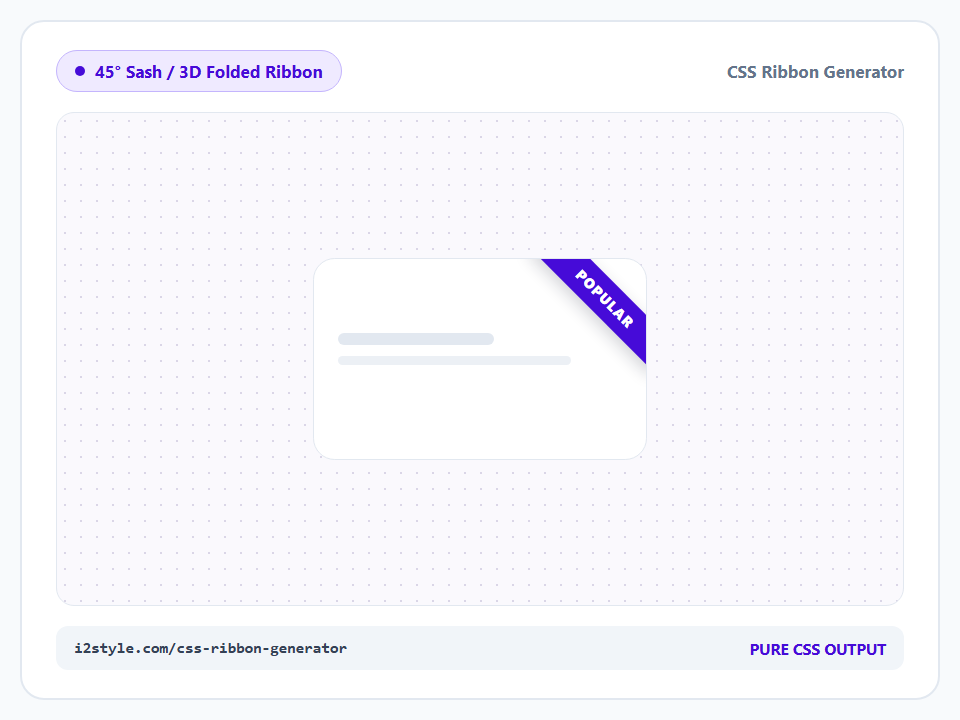
Open CSS Ribbon Generator and compare 45° Top-Right/Top-Left Corner Sashes, 3D Folded Edge Wraps, Swallowtail Side Flags, Vertical Bookmarks, and Centered Top Pills.
Click Customize to edit badge copy and colors.
Edit ribbon label, colors, and dimensions
Enter your promo text (POPULAR, NEW, SAVE 20%) in Text and choose Solid or Linear gradient fill in Fill.
Adjust Label font size, Ribbon thickness, and drop-shadow opacity in Shape and Shadow.
1 to 2 short uppercase words (POPULAR, NEW, SAVE 20%) with letter-spacing: 0.07em fit cleanly inside the 45° diagonal triangle.
On 3D Folded Wraps, the generator darkens your ribbon color by 38% automatically for the ::after under-fold triangle.
Export parent container and ribbon rules together
45° corner sashes include overflow: hidden on the card so rotated ends trim cleanly, while 3D folded wraps leave overflow visible so the -8px tuck overhangs the border.
Copy Vanilla CSS, HTML, or Tailwind markup.
Ready to use CSS Ribbon Generator?
Open CSS Ribbon Generator in your browser—100% private on your device with zero sign-up and copy-ready CSS, HTML, :root tokens, and Tailwind code. Related CSS studios: CSS Card Generator, CSS Badge & Pill Generator, CSS Clip-Path Generator.
CSS Ribbon Generator FAQs
Practical frontend details for accessible, cross-browser CSS output.
Why was my 45° ribbon overflowing outside my pricing card?
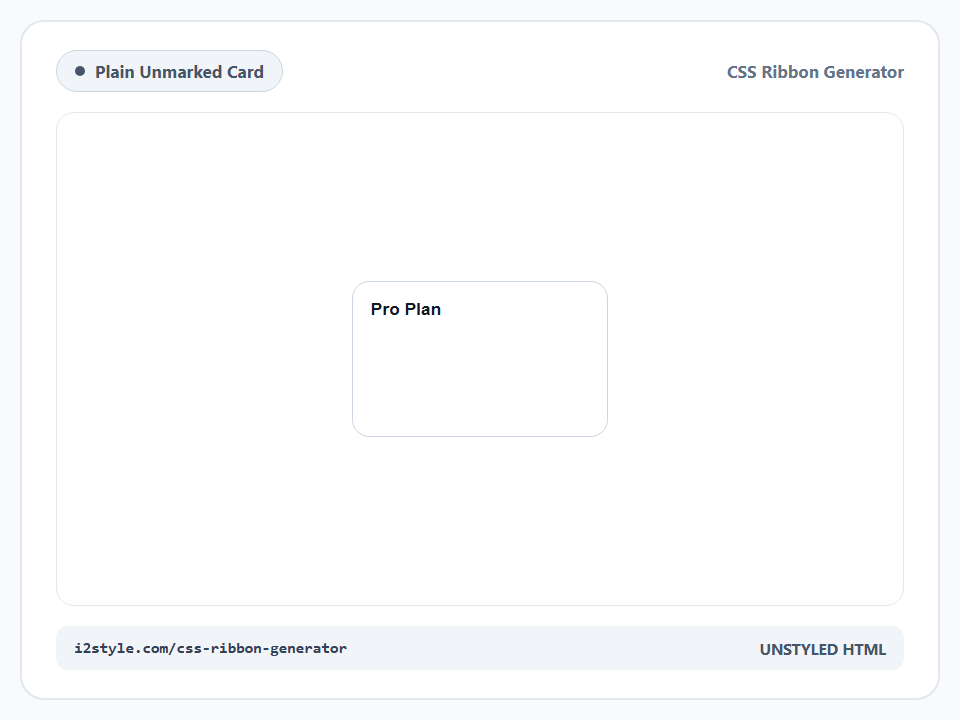
Ensure the parent card has position: relative; overflow: hidden; so the rotated banner clips neatly to the card's border-radius.
How is the V-notch cut into Bookmark and Swallowtail ribbons?
A 5-point clip-path: polygon(...) carves a crisp inward notch that reveals whatever background sits behind it.
Can I mount a pill badge centered right on the top border line?
Yes—choose Centered top-border pill (top: 0; left: 50%; transform: translate(-50%, -50%)).