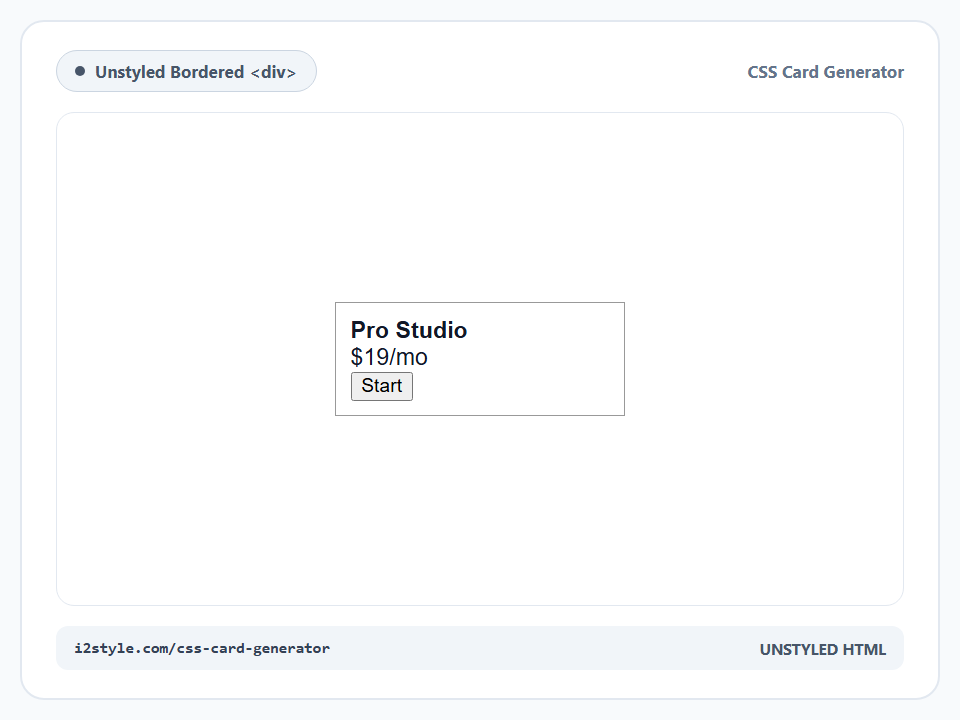
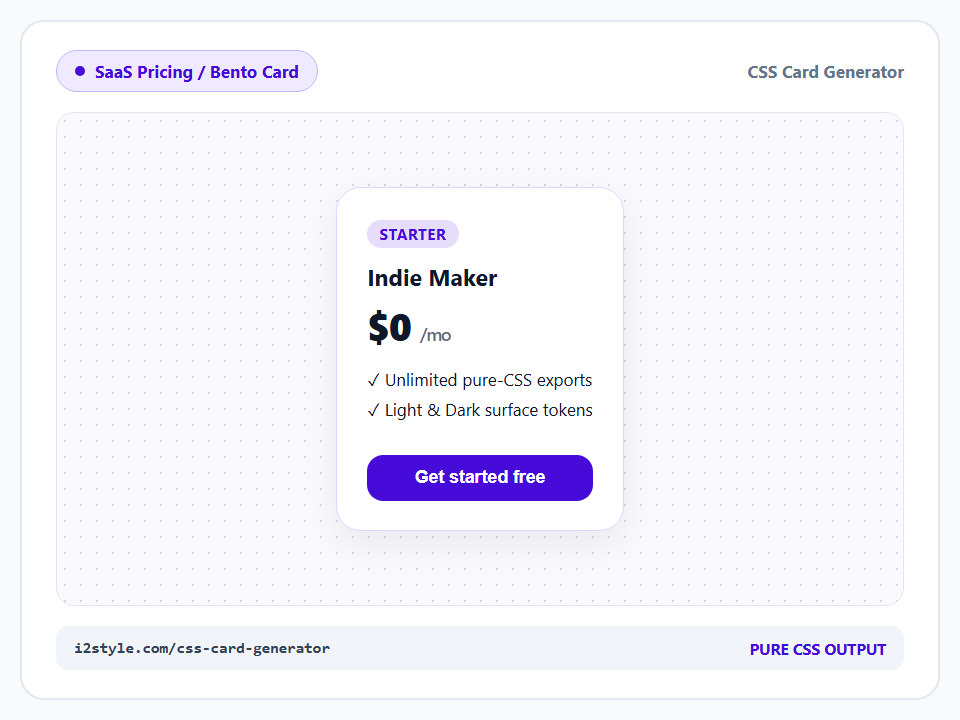

Select a card template for your content
Open CSS Card Generator and browse SaaS Pricing Tiers, Bento Feature Cards, Creator Profiles, and KPI Metric Tiles across Light, Glass, and Dark styles.
Click Customize on any card to edit its copy, surface tokens, and geometry.
Refine surface colors, borders, and corner radius
In Fill, use Color presets to harmonize card border, badge tint, and CTA button—or adjust individual colors.
In Shape, set Inner padding, Corner radius, and optional Top accent bar to spotlight a recommended pricing plan.
Use a 1.5px brand border or 4px top accent bar rather than scaling one card permanently larger on mobile.
Add a 45° POPULAR corner sash or 3D folded wrap from CSS Ribbon Generator for seasonal promotions.
Test hover lift and copy production markup
Toggle Hover in Editing state to inspect border highlight and upward hover lift.
Copy semantic <article> HTML and scoped CSS (or Tailwind utility classes) directly into your project.
Ready to use CSS Card Generator?
Open CSS Card Generator in your browser—100% private on your device with zero sign-up and copy-ready CSS, HTML, :root tokens, and Tailwind code. Related CSS studios: CSS Ribbon Generator, CSS Box Shadow Generator, CSS Bento Grid Generator.
CSS Card Generator FAQs
Practical frontend details for accessible, cross-browser CSS output.
Does switching from a Dark card preset back to a Light preset reset the stage?
Yes—every preset independently sets its matching stage backdrop so light cards always preview cleanly on a light dotted canvas.
How are nested CTA button corners calculated?
The inner button radius automatically steps down slightly from the outer card radius so corners stay concentric.
Can I export Tailwind classes for pricing cards?
Yes—click the Tailwind tab in the code dock for ready-to-paste utility markup.