
Pick a carousel motion and pagination design
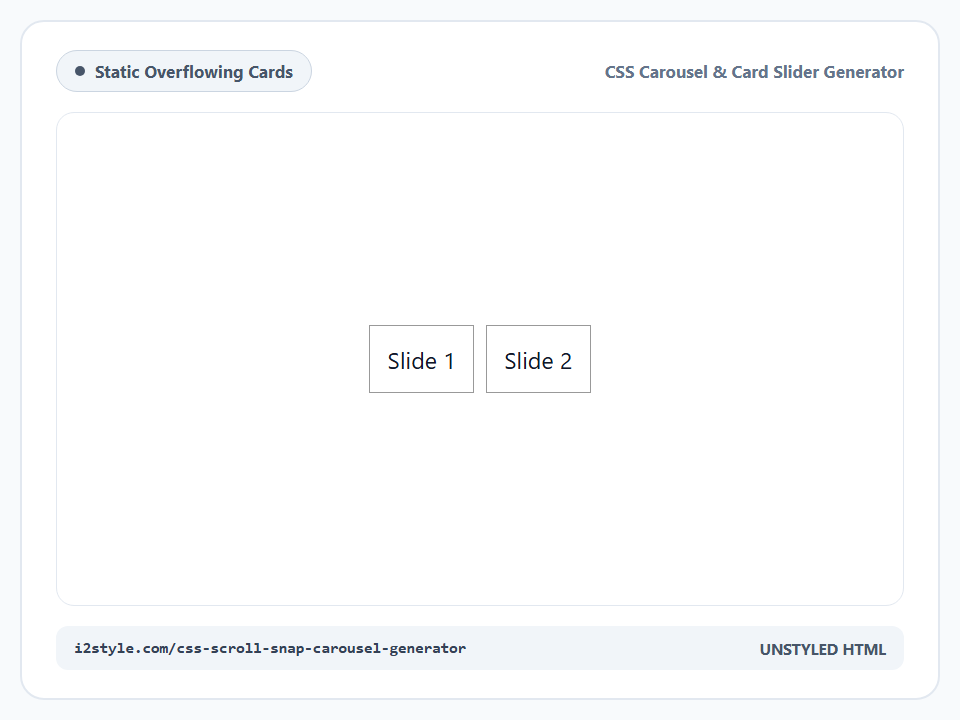
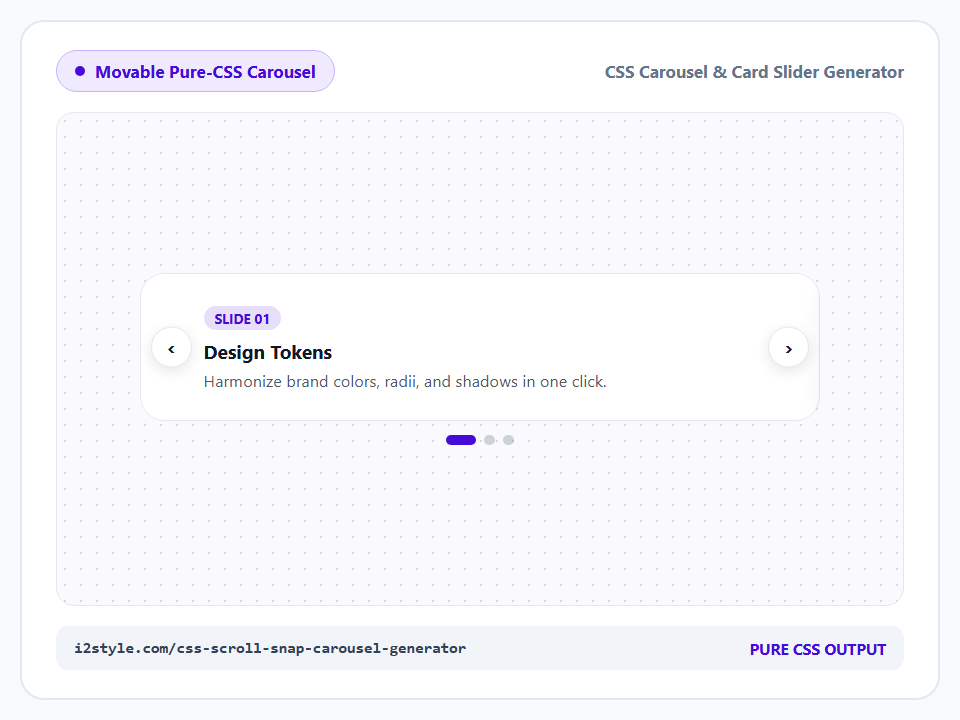
Open CSS Carousel & Card Slider Generator and click ‹, ›, or pagination controls across Side Chevrons + Expanding Pill Dots, 3D Center-Peek Decks, Frosted Hero Overlays, Story Progress Bars, [01/03] Toolbar Counters, and Numbered [1·2·3] Docks.
Click Customize to configure titles, accent colors, corner radius, and slide speed.
Tune transition timing, colors, and slide copy
In Fill and Shape, harmonize Primary control accent, Slide surface, Border color, and Card corner radius (8px–28px).
In Shadow/Effects, adjust Slide transition duration (450ms default paired with cubic-bezier(0.22, 1, 0.36, 1)).
Always include overscroll-behavior-x: contain on horizontal carousels so MacBook and mobile edge swipes stay inside the carousel.
A focusable scroll container lets keyboard users step across slides naturally using Left and Right arrow keys.
Copy self-contained pure-CSS carousel code
Contextual <label for="..."> chevron pairs wrap cleanly from Slide 3 → Slide 1 and Slide 1 → Slide 3 without a single line of JavaScript!
Copy Vanilla CSS, HTML, :root tokens, or Tailwind markup.
Ready to use CSS Carousel & Card Slider Generator?
Open CSS Carousel & Card Slider Generator in your browser—100% private on your device with zero sign-up and copy-ready CSS, HTML, :root tokens, and Tailwind code. Related CSS studios: CSS Flexbox Playground & Generator, CSS Scrollbar Generator, CSS Card Generator.
CSS Carousel & Card Slider Generator FAQs
Practical frontend details for accessible, cross-browser CSS output.
When should I add scroll-snap-stop: always?
Include scroll-snap-stop: always on onboarding steps or story cards when you never want a fast flick to skip past Slide 2 straight to Slide 4.
What is the difference between mandatory and proximity?
mandatory guarantees the container always settles cleanly on a snap point, whereas proximity only snaps when the user stops near an edge.
Does scroll-behavior: smooth affect programmatic scrollBy() buttons?
Yes—if you later add optional Next/Prev buttons calling track.scrollBy({ left: 260 }), scroll-behavior: smooth animates the glide automatically!