
Choose a blob fill and layer style
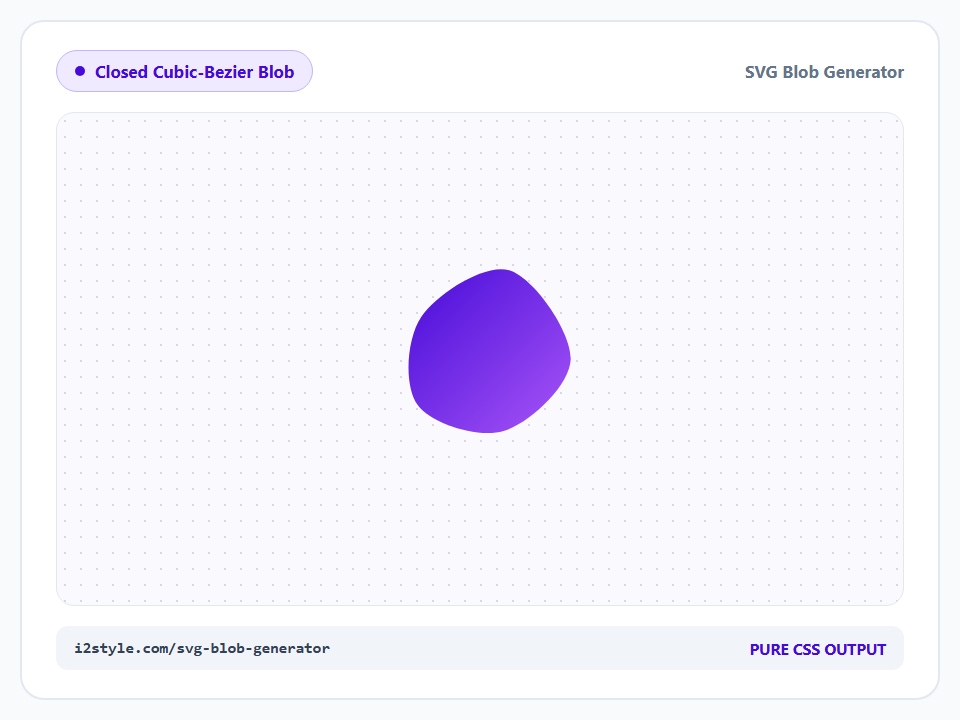
Open SVG Blob Generator and explore Smooth Pebbles, 7- and 8-Lobe Petals, Duotone Twin Offset layers, Hollow Contours, and Floating Animated blobs.
Click Customize to sculpt anchor points and organic variance.
Control complexity, contrast, and seed
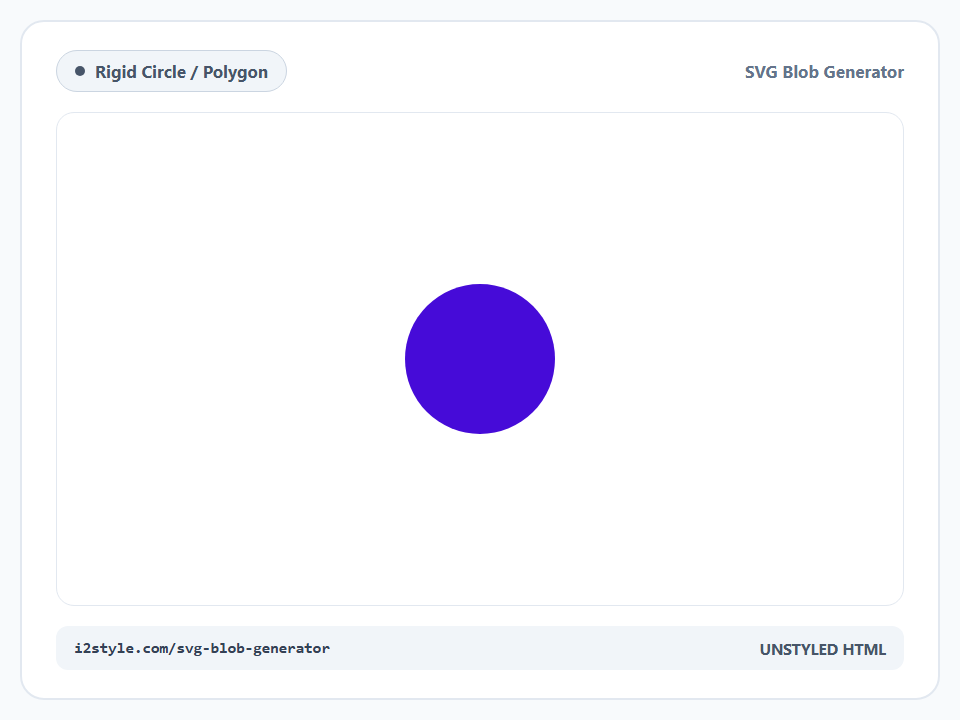
In Shape, set Complexity (3–5 for calm pebbles; 7–10 for expressive splashes) and Irregularity / contrast %.
Drag Randomize shape seed in Shadow to explore dozens of smooth C1-continuous variations.
Selecting Duotone twin offset layers places a companion lavender blob shifted 6px behind the primary shape inside one SVG.
Organic blobs frame product screenshots and 3D icons naturally without heavy rectangular boxes.
Enable float keyframes and copy clean SVG
Toggle Gentle CSS float animation in Text for subtle hero background motion wrapped in prefers-reduced-motion: no-preference.
Copy inline <svg> from HTML or URL-encoded background-image CSS from CSS Variables.
Ready to use SVG Blob Generator?
Open SVG Blob Generator in your browser—100% private on your device with zero sign-up and copy-ready CSS, HTML, :root tokens, and Tailwind code. Related CSS studios: CSS Border Radius Generator, SVG Wave & Divider Generator, CSS Gradient Generator.
SVG Blob Generator FAQs
Practical frontend details for accessible, cross-browser CSS output.
Why don't these SVG blobs ever form sharp corners?
We interpolate radial anchor points with a periodic closed Catmull-Rom spline converted into smooth SVG C cubic-bezier curves.
Will floating blobs clip at the edge of the SVG?
No—base radius is inset inside the 200×200 viewBox so rotation and offset twins stay clear of all four edges.
Can I export hollow stroke rings?
Yes—select Hollow stroke contour or Solid fill + offset wire ring and adjust Contour stroke width.