
Select a divider geometry and layer count
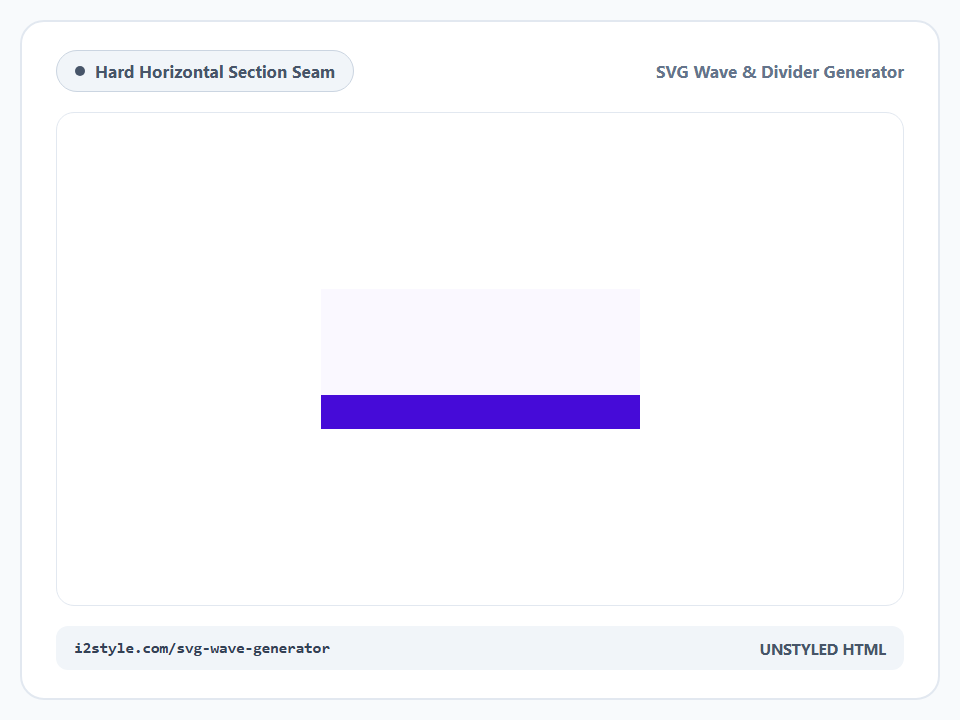
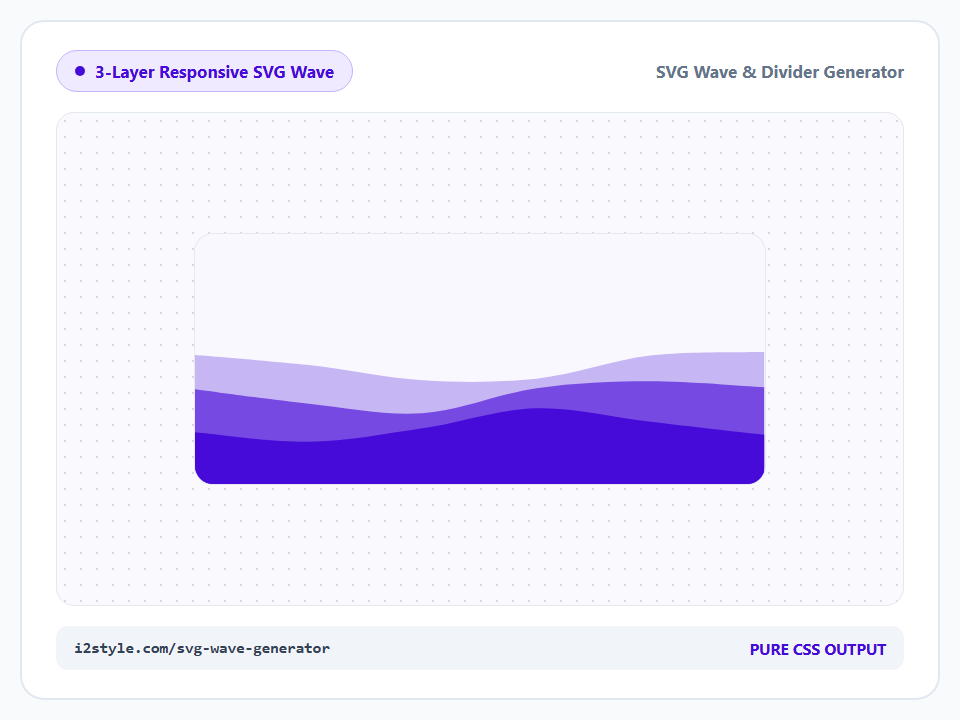
Open SVG Wave & Divider Generator and preview 3-Layer SaaS Waves, Single Silk Waves, Convex Arches, Stripe Diagonal Tilts, Alpine Peaks, and Stepped Dividers.
Click Customize to tune crests, amplitude, and orientation.
Sculpt wave complexity and flip direction
In Shape, set Stacked wave layers (1–4), Wave complexity (crests), Wave amplitude %, and Rendered divider height.
Toggle Flip to top ceiling edge or Mirror horizontally in Text, and drag Organic shape variation seed in Shadow.
Set display: block on <svg> and match the wave fill color to the adjacent section's exact background hex.
The CSS Variables tab outputs -webkit-mask-image so changing --section-wave-color themes the divider without touching SVG paths.
Copy responsive SVG or theme-aware CSS mask
Use the HTML tab for multi-layer inline <svg>, CSS for a single-class background-image, or CSS Variables for a --wave-color mask-image that adapts to dark mode automatically.
Click Export file to save a ready-to-import stylesheet.
Ready to use SVG Wave & Divider Generator?
Open SVG Wave & Divider Generator in your browser—100% private on your device with zero sign-up and copy-ready CSS, HTML, :root tokens, and Tailwind code. Related CSS studios: SVG Blob Generator, CSS Clip-Path Generator, CSS Background Patterns.
SVG Wave & Divider Generator FAQs
Practical frontend details for accessible, cross-browser CSS output.
Why does the SVG use preserveAspectRatio="none"?
It lets the 1440×320 vector stretch to 100% of any viewport width while keeping your exact chosen pixel height.
How are multi-layer waves rendered in one SVG?
Background paths use stepped fill-opacity (0.28, 0.64, 1.0) inside the same <svg> element.
Can I add a two-color gradient to the front wave?
Yes—enable Use 2-stop gradient on front layer in the Fill panel.