
Pick a gradient engine and color palette
Open CSS Gradient Generator and browse Royal Aurora, Airy Pastel Mesh, Vivid Studio Mesh, Top-Center Hero Halo, and Iridescent Conic Prism presets.
Click Customize to load all three color stops and focal coordinates.
Sculpt stop positions and focal points
In Fill, customize Color stops 1–3 (and Mesh base canvas when using Multi-point CSS mesh).
In Shape, drag Angle, Middle stop %, and Focal center X/Y to aim spotlights or conic sweeps.
Repeating your starting color as the final stop (conic-gradient(from 45deg, c1, c2, c3, c1)) eliminates hard seam lines.
Inserting a vibrant intermediate hue (e.g.violet between blue and pink) avoids gray sRGB midpoint desaturation.
Export crisp CSS or Tailwind gradient classes
Preview optional sample headline contrast over your gradient.
Copy the background CSS rule, :root custom properties, or Tailwind arbitrary gradient utility.
Ready to use CSS Gradient Generator?
Open CSS Gradient Generator in your browser—100% private on your device with zero sign-up and copy-ready CSS, HTML, :root tokens, and Tailwind code. Related CSS studios: CSS Gradient Text Generator, CSS Glassmorphism Generator, CSS Background Patterns.
CSS Gradient Generator FAQs
Practical frontend details for accessible, cross-browser CSS output.
How do pure-CSS mesh gradients work without SVG or Canvas?
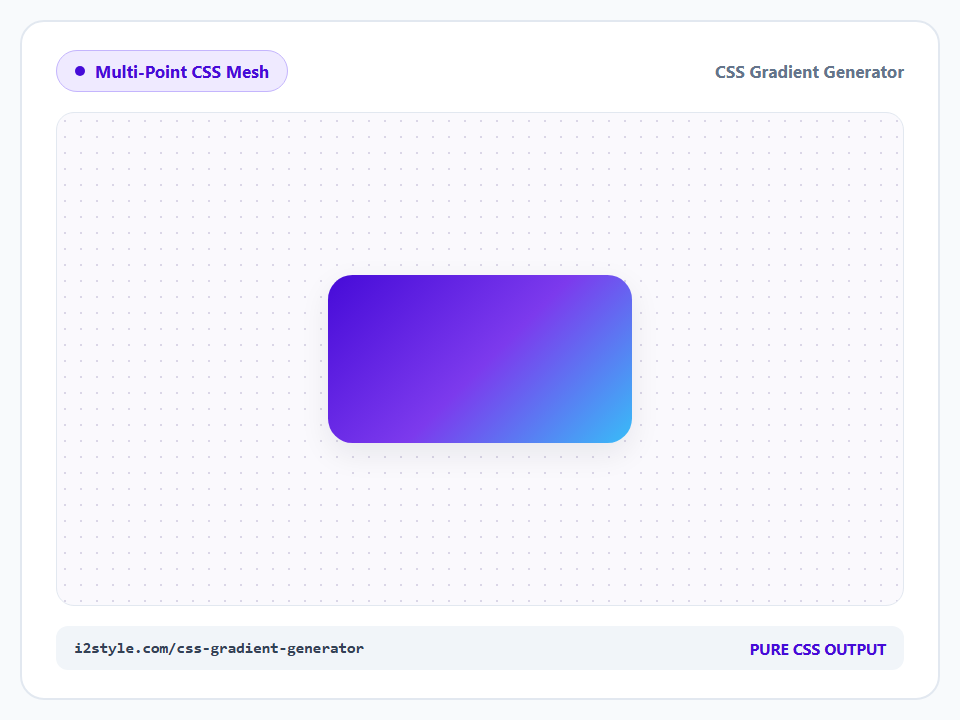
They stack three radial-gradient(at X% Y%, color 0px, transparent 56%) clouds over a solid base background color.
Should I use background or background-image for gradients?
CSS gradients are generated images (background-image), while background shorthand sets both layers and base color together.
Can I clip these gradients inside headline text?
Yes—pair any palette with CSS Gradient Text Generator using background-clip: text.