
Select an architectural surface pattern
Open CSS Background Patterns and compare Vercel Dot Matrix, Fading Vignette Grid, CAD Plus Crosshairs, Engineering Blueprint, Isometric Mesh, Stripes, and Film Grain.
Click Customize to tune repeat spacing and ink opacity.
Fine-tune cell size, ink opacity, and vignette fade
In Shape and Fill, set Cell spacing (16px–36px), Dot/stroke thickness, and Pattern ink opacity.
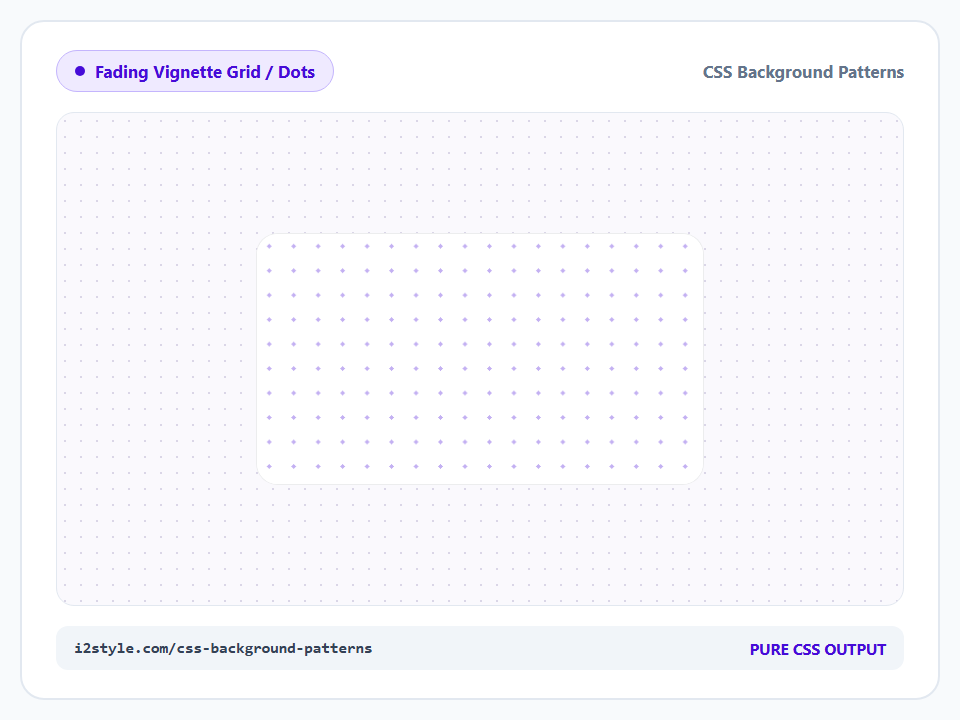
Toggle Radial vignette edge fade in Text to dissolve the pattern smoothly around the edges via mask-image.
Applying mask-image: radial-gradient(ellipse 75% 75% at 50% 50%, #000 35%, transparent 100%) on a positioned background layer keeps hero copy 100% sharp while fading only the grid.
On white surfaces, 15%–28% ink opacity feels refined and architectural without competing with body text.
Export crisp CSS for light or dark sections
Test Dark presets or dark background colors to craft subtle dark-mode SaaS hero stages.
Copy Vanilla CSS, :root variables, or Tailwind arbitrary background utilities.
Ready to use CSS Background Patterns?
Open CSS Background Patterns in your browser—100% private on your device with zero sign-up and copy-ready CSS, HTML, :root tokens, and Tailwind code. Related CSS studios: CSS Gradient Generator, SVG Wave & Divider Generator, CSS Glassmorphism Generator.
CSS Background Patterns FAQs
Practical frontend details for accessible, cross-browser CSS output.
Do any of these 14 patterns require external PNG or SVG files?
Zero external files—every pattern uses either pure CSS gradients or a compact inline data:image/svg+xml URI.
How does the Film Grain preset work in pure CSS?
It embeds a seamless 140×140 SVG <feTurbulence type="fractalNoise" stitchTiles="stitch"> filter tile.
Are -webkit-mask-image prefixes included for vignettes?
Yes—both -webkit-mask-image and standard mask-image are emitted together.