
Select a skeleton layout blueprint
Open CSS Skeleton Screen & Shimmer Generator and browse Media Image Cards, User Avatar + Bio Rows, 2-Row Activity Feeds, KPI Metric Tiles, 3-Row Data Tables, and Editorial Paragraphs.
Click Customize to tune bone radii, shimmer colors, and speed.
Tune bone colors, corner radii, and speed
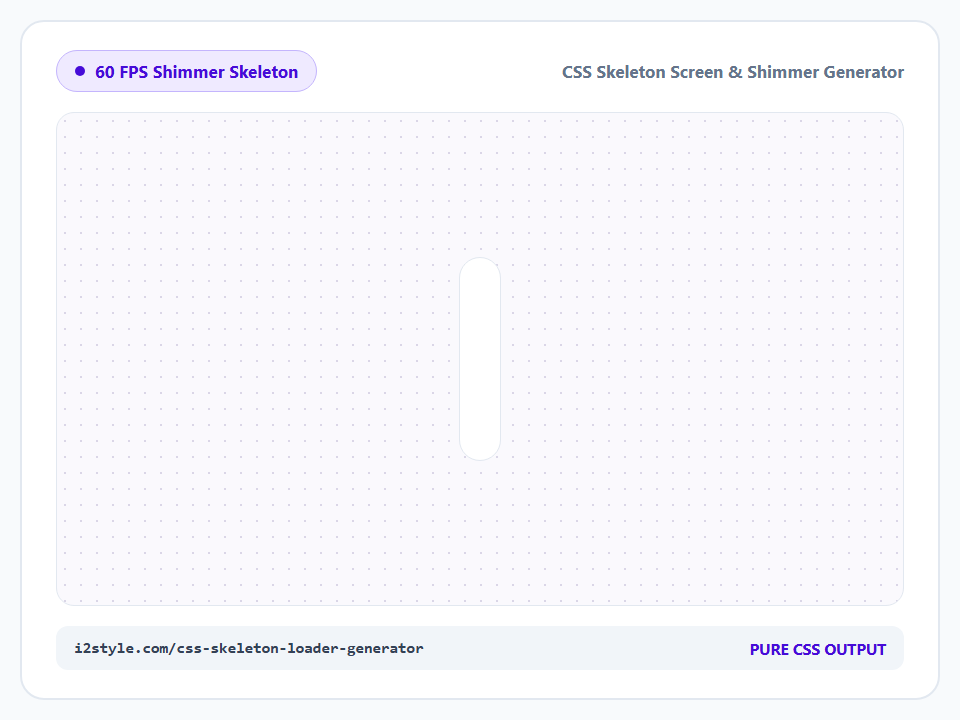
Switch Animation engine in Text between GPU Sweeping Shimmer Wave (translateX) and Gentle Opacity Pulse.
In Fill and Shape, adjust Skeleton bone base, Shimmer highlight wave, Card radius, and Bone bar radius (2px wireframe to 999px capsules).
Translating a ::after highlight gradient from -100% to 100% runs entirely on the GPU compositor with zero CPU repaint per frame!
Pair #1e263b dark slate bones with #2d3753 soft highlights—bright white shimmers on dark mode cause harsh eye strain.
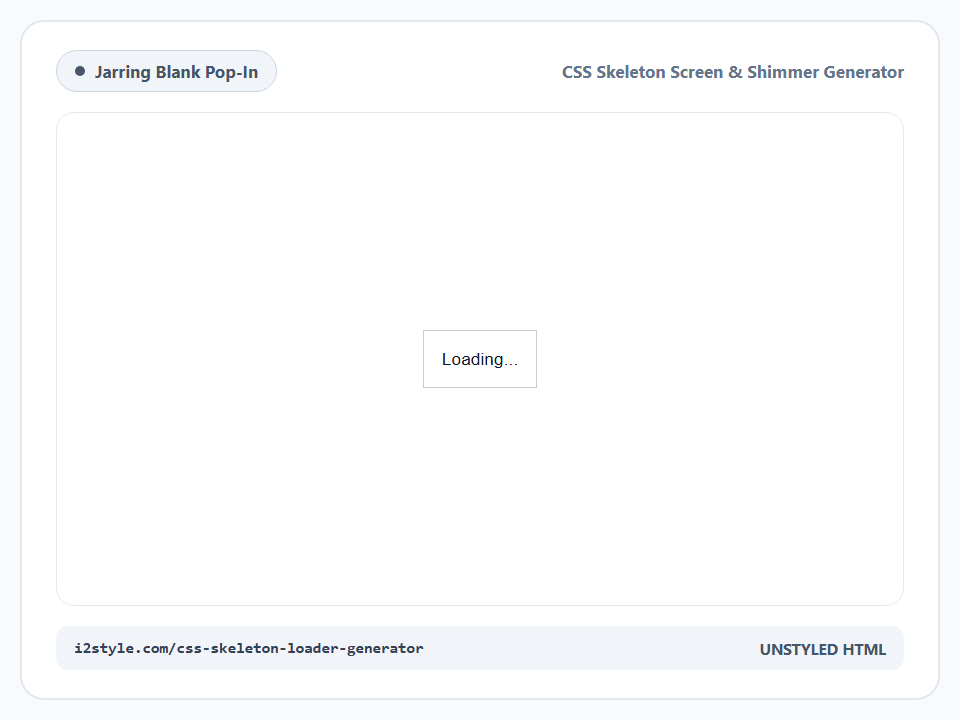
Copy CLS-safe placeholder markup
Generated containers include aria-busy="true" and aria-label="Loading content" so assistive tech knows fresh content is arriving.
Copy Vanilla CSS, HTML, :root variables, or Tailwind animate-pulse classes.
Ready to use CSS Skeleton Screen & Shimmer Generator?
Open CSS Skeleton Screen & Shimmer Generator in your browser—100% private on your device with zero sign-up and copy-ready CSS, HTML, :root tokens, and Tailwind code. Related CSS studios: CSS Loader & Spinner Generator, CSS Card Generator, CSS Table Generator.
CSS Skeleton Screen & Shimmer Generator FAQs
Practical frontend details for accessible, cross-browser CSS output.
How do skeleton loaders improve Core Web Vitals?
Reserving the exact height and grid footprint of incoming cards keeps Cumulative Layout Shift (CLS) at 0.00.
How fast should a skeleton shimmer sweep?
1.3s to 1.7s feels brisk and responsive without appearing frantic.
When should I swap the skeleton out?
Replace the skeleton container as soon as data resolves, optionally fading the real card in over 150ms.