
Start from a clean table preset
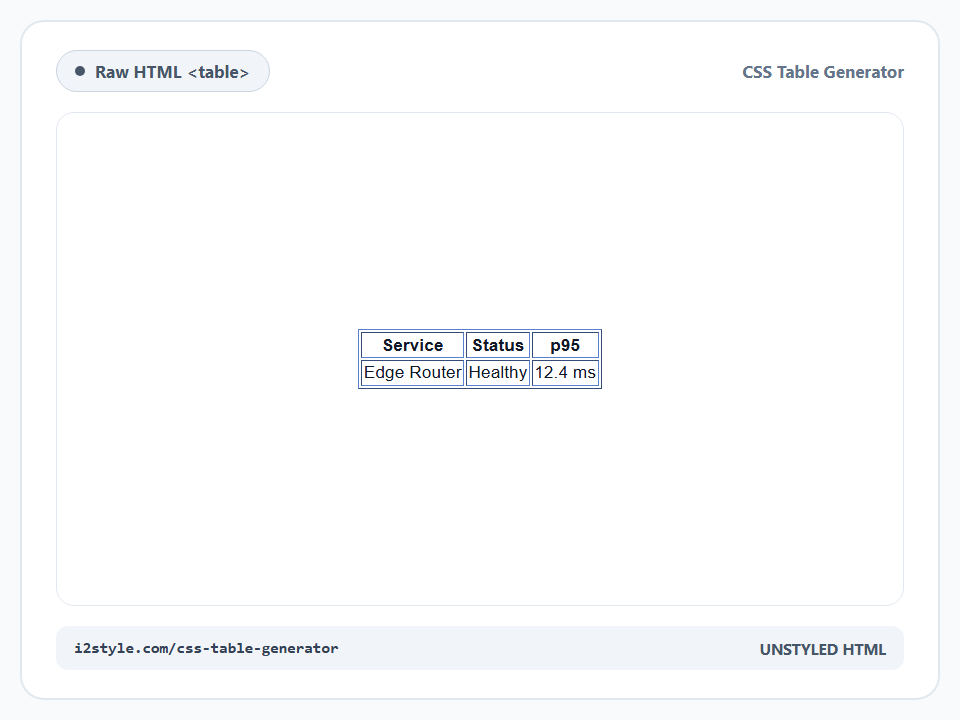
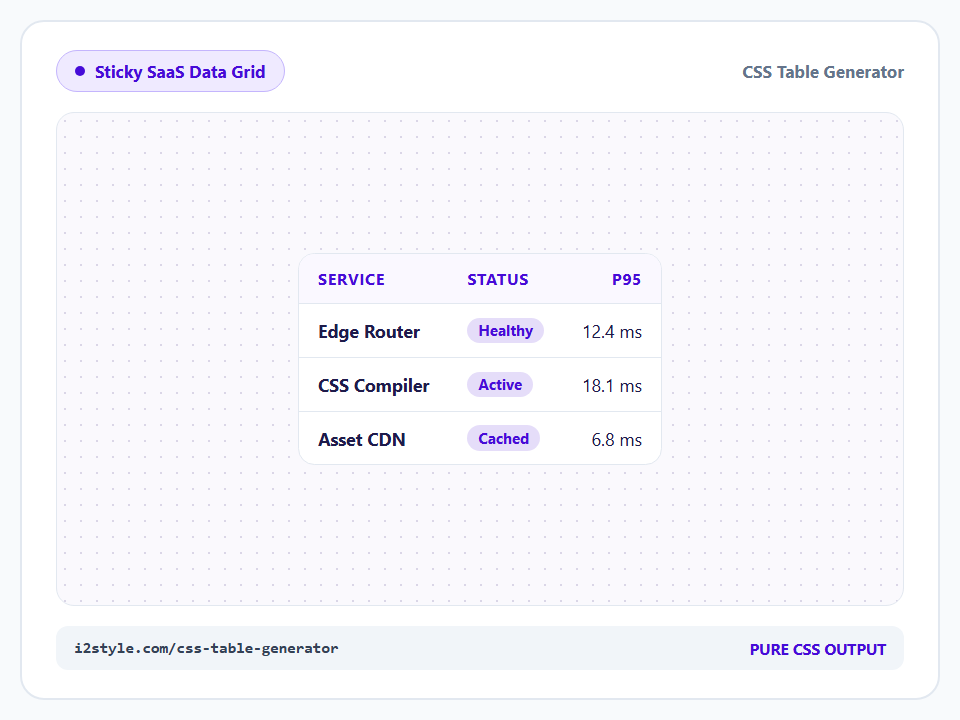
Open CSS Table Generator and compare Linear Minimal, Classic Zebra Striped, Full Cell-Bordered Spreadsheet, Compact Log, and Dark Ops tables.
Click Customize to load your chosen layout into the studio.
Customize header colors, cell padding, and striping
In Text, toggle Sticky <thead> header, Zebra-striped even rows, Vertical cell dividers, and Status pills in cells.
Adjust Cell horizontal/vertical padding and Outer wrapper radius in Shape to switch between spacious executive views and compact logs.
Because border-collapse: collapse ignores border-radius on <table>, place border and border-radius on an outer overflow-x: auto wrapper.
font-variant-numeric: tabular-nums aligns decimal points and digits vertically down currency and latency columns.
Verify hover highlight and copy table CSS
Pin Hover in Editing state to preview row highlight contrast across light and dark tables.
Copy both the outer .ui-table-wrap overflow container and semantic <table> CSS/HTML.
Ready to use CSS Table Generator?
Open CSS Table Generator in your browser—100% private on your device with zero sign-up and copy-ready CSS, HTML, :root tokens, and Tailwind code. Related CSS studios: CSS Scrollbar Generator, CSS Badge & Pill Generator, CSS Card Generator.
CSS Table Generator FAQs
Practical frontend details for accessible, cross-browser CSS output.
Why wasn't position: sticky working on my <tr>?
Browsers apply sticky positioning reliably on thead th cells (with an explicit background color) rather than tr.
How do wide data tables avoid breaking mobile page width?
The .ui-table-wrap parent sets width: 100%; overflow-x: auto so wide tables scroll horizontally inside their own card.
Can I remove the last row's bottom border?
Yes—tbody tr:last-child td { border-bottom: none; } prevents a double border against the wrapper frame.