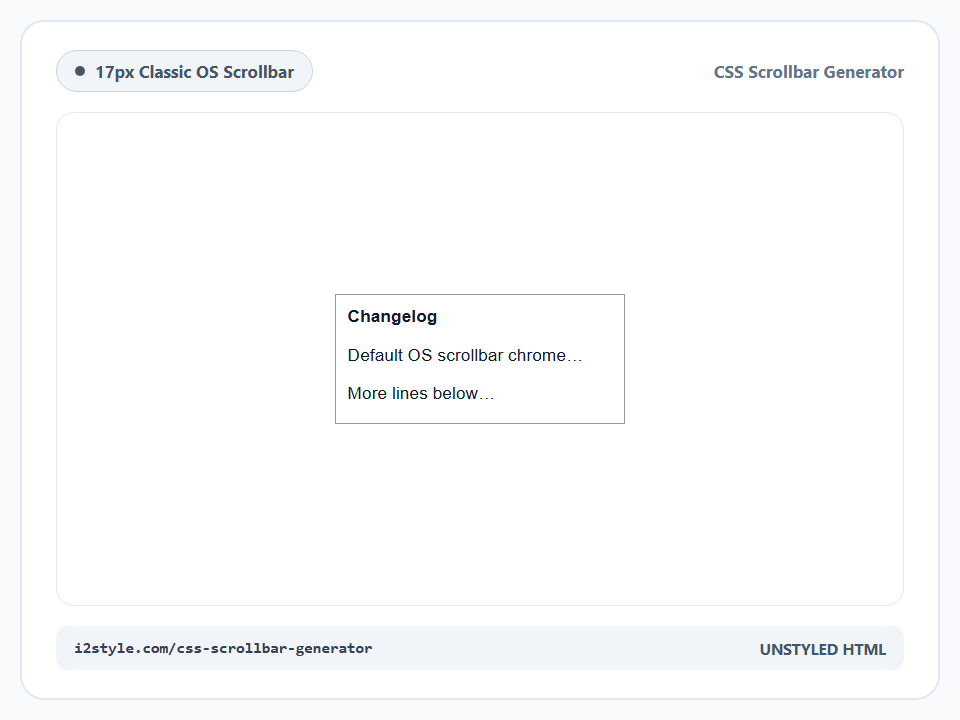
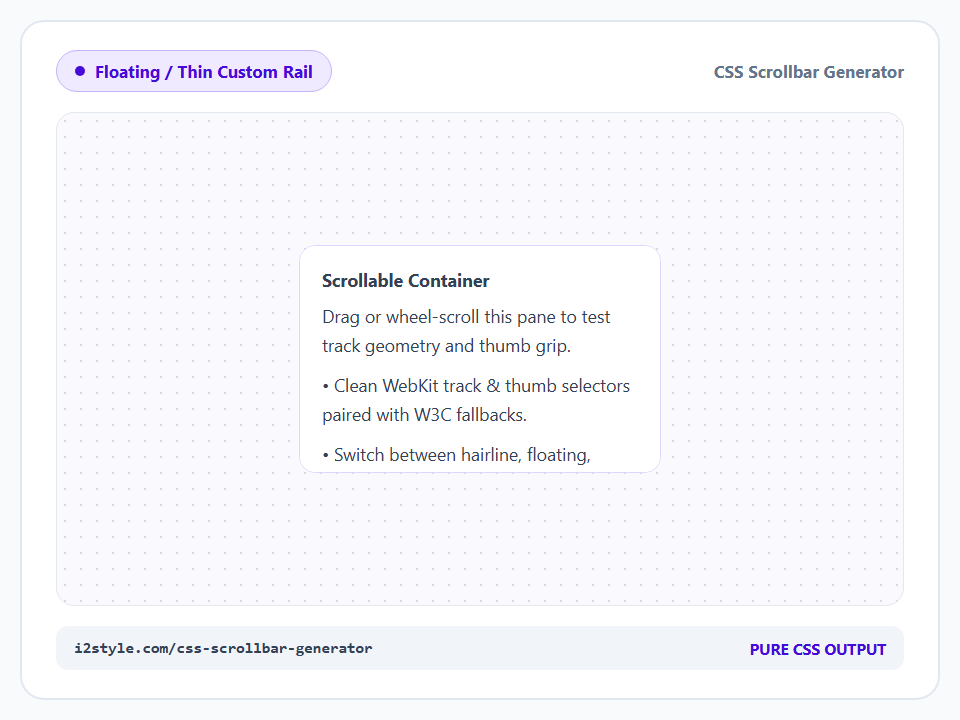

Scroll inside live preset panes to compare designs
Open CSS Scrollbar Generator and scroll inside Hairline 4px Wire, macOS Floating Cushion, Outlined Hollow Thumb, Bordered Gutter, Center Wire, and Knurled Grip cards.
Click Customize on your favorite geometry to edit its dimensions and colors.
Customize thumb design, track architecture, and width
In Text, combine Thumb design (Solid, Hollow ring, Knurled stripes, 3D bevel) with Track architecture (Plain, Left gutter, Center wire, Inset shadow, Ruler ticks).
In Shape, set Scrollbar width and Floating inset gap (which uses transparent border + background-clip: content-box for macOS breathing room).
Wrapping scrollbar-width inside @supports not selector(::-webkit-scrollbar) is the key to keeping custom border-radius and inset gaps working in Chrome and Edge.
Ensure at least 3:1 contrast between thumbColor and trackColor so users can spot scroll position easily.
Copy cross-browser scrollbar CSS
In Chrome/Edge 121+, setting scrollbar-width unconditionally disables ::-webkit-scrollbar pseudo-elements! Our generator wraps scrollbar-width and scrollbar-color inside @supports not selector(::-webkit-scrollbar) so Firefox gets W3C colors while Chromium/Safari keep full custom geometry.
Copy the CSS or download your .css file.
Ready to use CSS Scrollbar Generator?
Open CSS Scrollbar Generator in your browser—100% private on your device with zero sign-up and copy-ready CSS, HTML, :root tokens, and Tailwind code. Related CSS studios: CSS Table Generator, CSS Range Slider Generator, CSS Card Generator.
CSS Scrollbar Generator FAQs
Practical frontend details for accessible, cross-browser CSS output.
How do I style the main page scrollbar instead of a div?
Change the class selector from .ui-scroll to html or body in the Class input box.
How does the macOS floating inset gap work?
Setting border: 4px solid transparent; background-clip: content-box; shrinks the painted thumb cleanly inside the track.
Do custom CSS scrollbars impact scroll FPS?
No—they are painted natively by the browser compositor with zero JavaScript listeners.