
Choose from 18 cross-browser slider designs
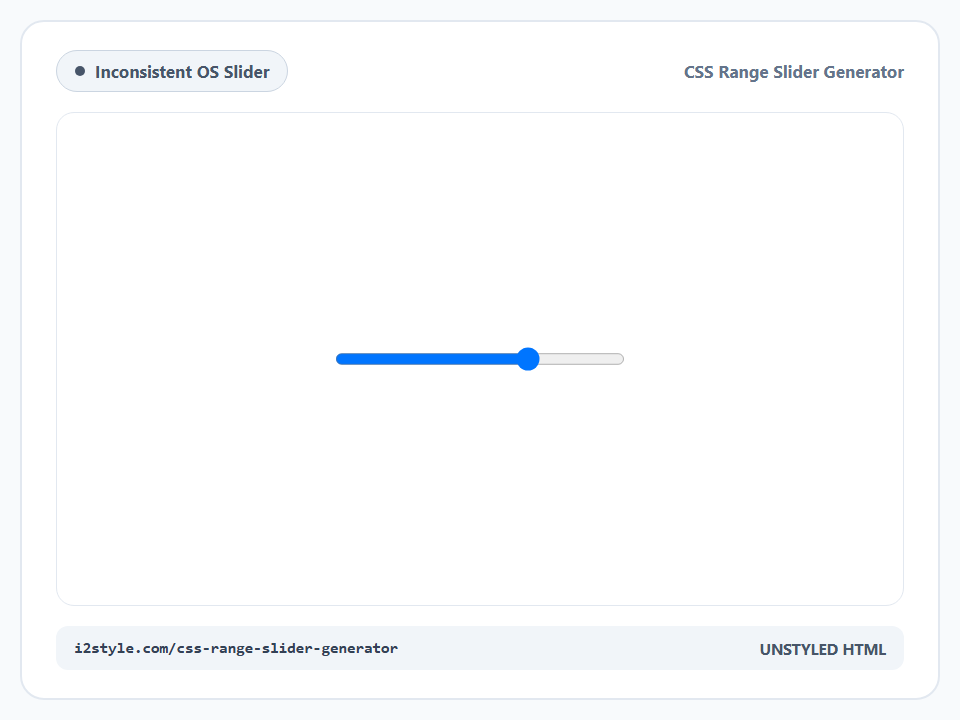
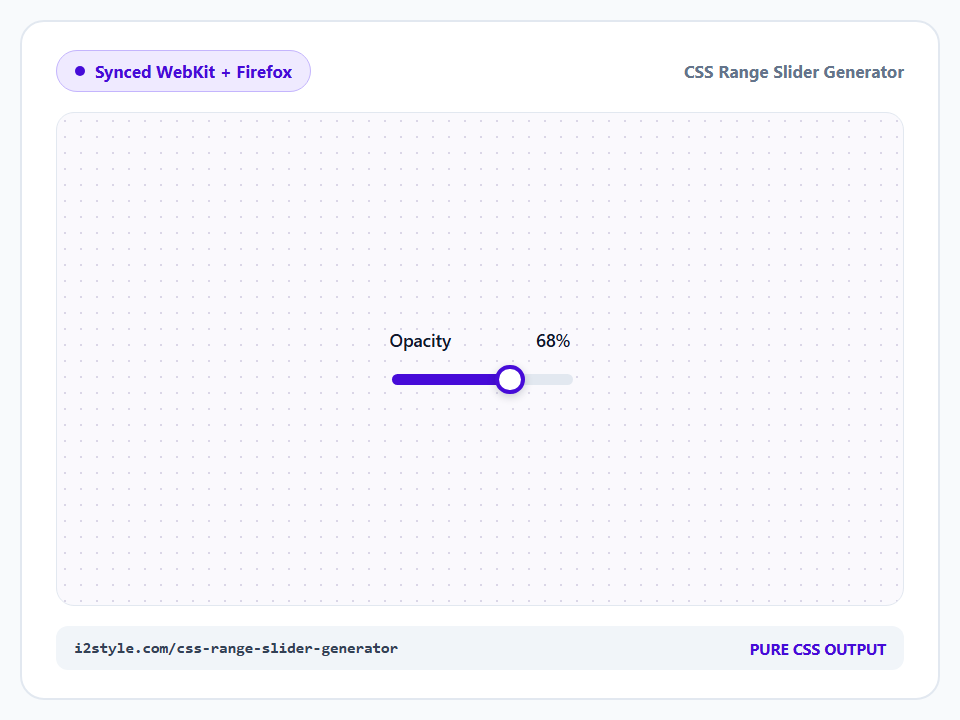
Open CSS Range Slider Generator and drag live range sliders across Halo Ring, Minimal Pearl Slim, Capsule Pill, Vertical Fader Blade, Thick Cushion, and Dark Studio presets.
Click Customize on any preset to load its track and thumb measurements.
Customize colors, dimensions, and hover ring
Set Active progress fill, Remaining track color, Thumb fill, and Thumb border color in Fill.
In Shape, adjust Track thickness, Thumb width/height, and Corner radius—the generator automatically computes the exact negative margin-top required to center WebKit thumbs.
If a browser sees an unknown vendor pseudo-element in a comma-separated selector list, CSS spec rules force it to discard the entire block.
A 4px borderless track paired with an 18px white pearl thumb keeps multi-slider inspector panels calm and uncluttered.
Copy resilient cross-browser CSS and HTML
Review the CSS tab: ::-webkit-slider-* and ::-moz-range-* selectors are kept in separate blocks so neither browser invalidates the rule.
Copy the CSS and HTML snippet (including the tiny --val percentage sync for WebKit progress fill) or download your .css file.
Ready to use CSS Range Slider Generator?
Open CSS Range Slider Generator in your browser—100% private on your device with zero sign-up and copy-ready CSS, HTML, :root tokens, and Tailwind code. Related CSS studios: CSS Checkbox & Toggle Generator, CSS Scrollbar Generator, UI Style Kit Builder & Combiner.
CSS Range Slider Generator FAQs
Practical frontend details for accessible, cross-browser CSS output.
Why is margin-top needed on ::-webkit-slider-thumb but not ::-moz-range-thumb?
Firefox vertically centers range thumbs automatically, whereas Blink/WebKit aligns thumbs to the top of ::-webkit-slider-runnable-track unless offset by (trackHeight - thumbHeight) / 2.
How does Firefox color the left-hand progress fill?
Firefox supports ::-moz-range-progress natively, while Chrome/Safari/Edge render a two-stop linear-gradient on the input using --val.
Can I create rectangular or capsule thumbs?
Yes—set Thumb width and Thumb height independently with any Thumb corner radius from 0px to 999px.