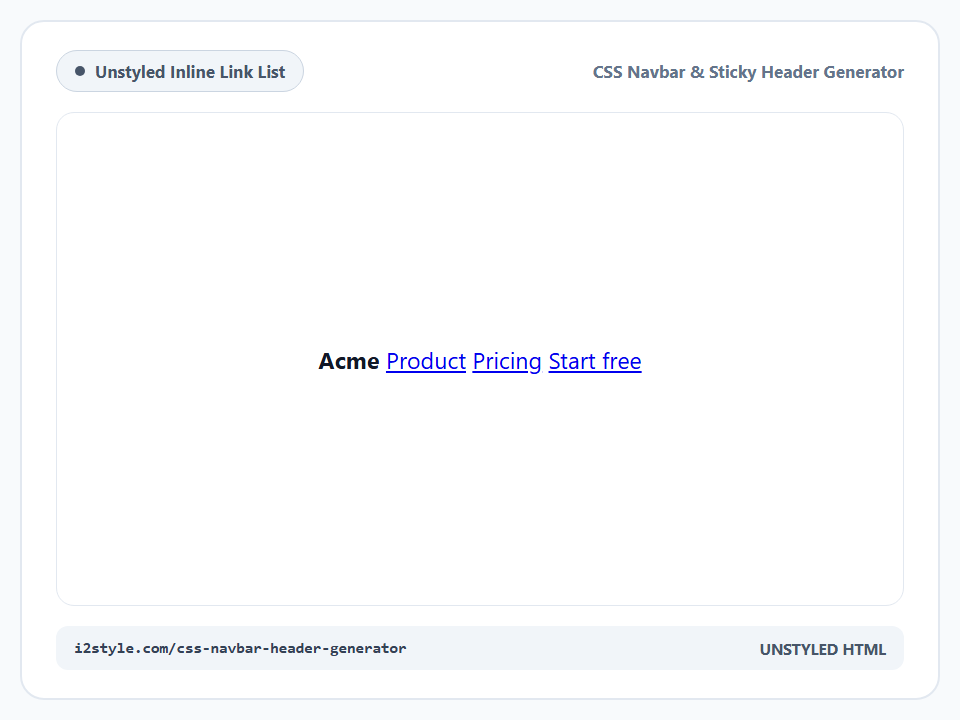
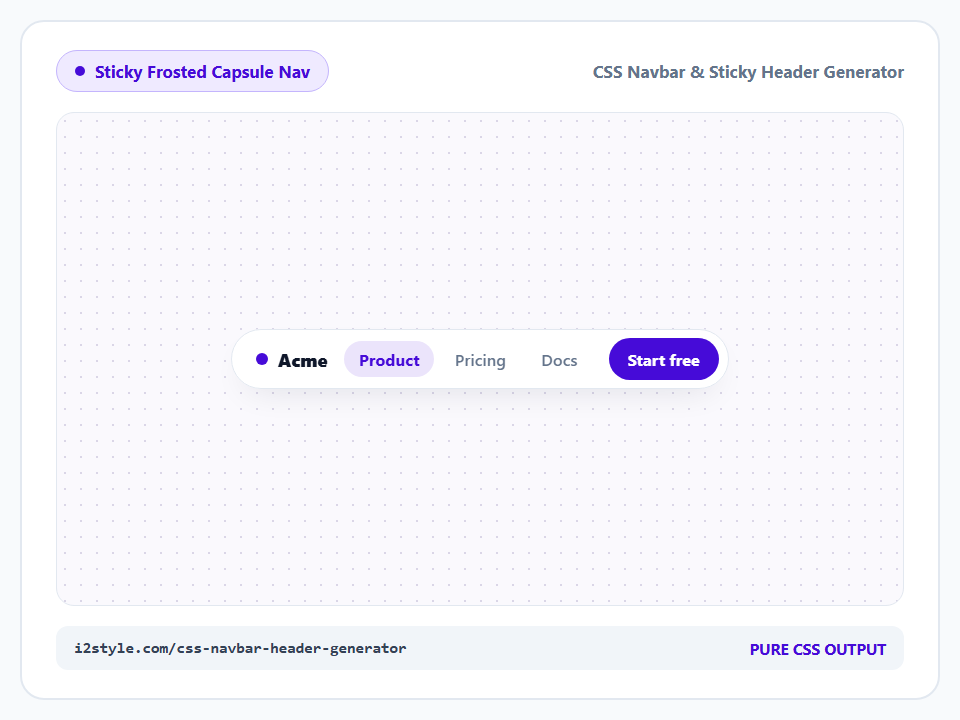

Select a navigation bar layout
Open CSS Navbar & Sticky Header Generator and compare Floating SaaS Capsule Navs, Frosted Glass Islands, Sticky Hairline Bars, Active-Underline Docs Headers, and Dark Raycast Navs.
Click Customize to tailor links, CTA text, blur, and corner radius.
Customize frosted blur, padding, and active states
In Shadow, adjust Backdrop blur (8px–18px) while keeping a translucent surface background so content scrolling underneath refracts softly.
In Shape and Fill, dial in Corner radius (0px full-bleed bars up to 999px floating islands) and Primary brand accent.
Setting position: sticky; top: 12px; lets a 999px capsule navbar float cleanly off the top viewport edge as the page scrolls.
Exporting both backdrop-filter and -webkit-backdrop-filter keeps frosted headers consistent on iOS and macOS Safari.
Copy landmark-accessible header code
Generated markup pairs <header> and <nav aria-label="Primary"> with aria-current="page" on the active route.
Copy Vanilla CSS, HTML, :root variables, or Tailwind sticky backdrop-blur classes.
Ready to use CSS Navbar & Sticky Header Generator?
Open CSS Navbar & Sticky Header Generator in your browser—100% private on your device with zero sign-up and copy-ready CSS, HTML, :root tokens, and Tailwind code. Related CSS studios: CSS Tabs & Segmented Control Generator, CSS Glassmorphism Generator, CSS Button Generator.
CSS Navbar & Sticky Header Generator FAQs
Practical frontend details for accessible, cross-browser CSS output.
Why did position: sticky stop working inside my page?
Ensure no ancestor element above <header> sets overflow: hidden or overflow: auto, which traps sticky positioning inside that ancestor.
How does aria-current="page" help both CSS and accessibility?
You can style [aria-current="page"] directly in CSS without inventing extra .active classes while announcing the current page to screen readers.
What z-index keeps a sticky navbar above cards without blocking modals?
A moderate z-index: 40 sits cleanly above normal page content while letting native <dialog> modals render above it in the top layer.