
Choose a multi-point mesh palette
Open CSS Mesh & Aurora Gradient Generator and explore Stripe Violet-Sky Aurora, Soft Lavender Pearl, California Sunset, Northern Borealis, and Deep Nebula Dark Cosmic presets.
Click Customize to tune all four corner clouds and focal diffusion.
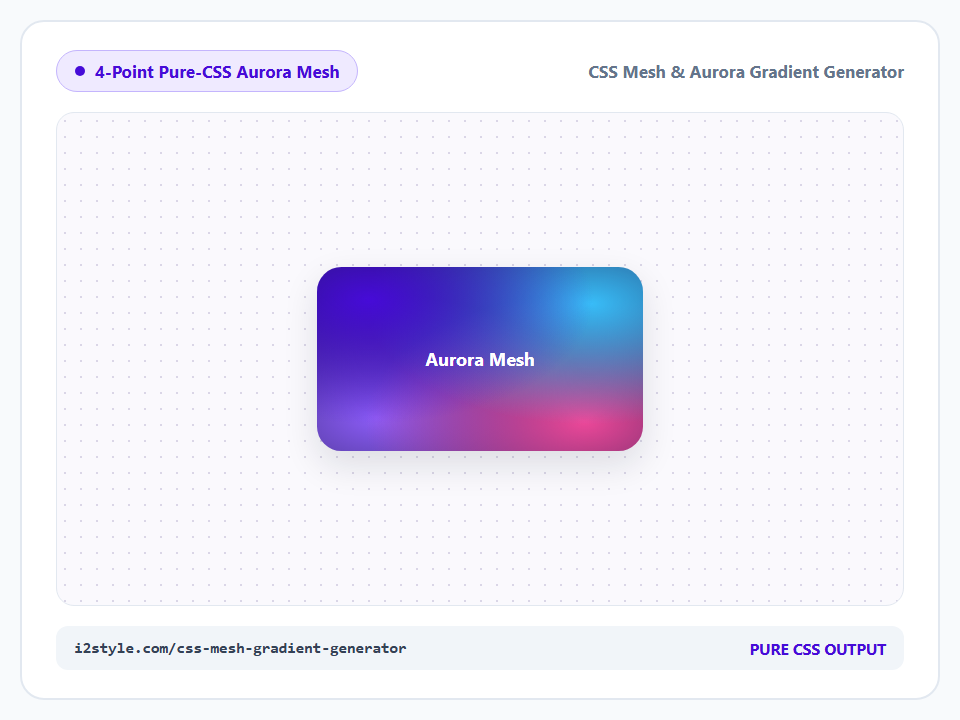
Blend four corner color clouds smoothly
In Fill, pick independent colors for the top-left, top-right, bottom-right, and bottom-left radial clouds plus the underlying Base canvas.
In Shadow/Effects, adjust Cloud diffusion spread (45%–75%) and Focal X/Y shift to sculpt negative space behind headlines.
Ending each radial-gradient(at X% Y%, hex 0px, transparent 58%) at transparent lets overlapping clouds blend additively without gray muddiness.
Placing a translucent backdrop-filter: blur(16px) card over a soft CSS mesh creates effortless depth on SaaS landing pages.
Export crisp resolution-independent CSS
Because every cloud fades cleanly to transparent over your base color, the mesh scales to 4K and 5K displays with zero pixelation.
Copy Vanilla CSS, HTML, :root variables, or Tailwind inline background utilities.
Ready to use CSS Mesh & Aurora Gradient Generator?
Open CSS Mesh & Aurora Gradient Generator in your browser—100% private on your device with zero sign-up and copy-ready CSS, HTML, :root tokens, and Tailwind code. Related CSS studios: CSS Gradient Generator, CSS Glassmorphism Generator, SVG Blob Generator.
CSS Mesh & Aurora Gradient Generator FAQs
Practical frontend details for accessible, cross-browser CSS output.
Do CSS mesh gradients impact Largest Contentful Paint (LCP)?
They improve LCP compared to large hero images because the browser paints them instantaneously from inline/stylesheet CSS with zero image download wait.
Can I animate a CSS mesh gradient subtly?
Yes—set background-size: 130% 130% and gently shift background-position between 0% 0% and 100% 100% over 12–16 seconds.
How do I ensure text over a mesh stays readable?
Keep high-contrast white ink over deep #090d16–#2e1065 bases, or dark #0f172a ink over #f8fafc pastel meshes.