
Pick a speech bubble or triangle geometry
Open CSS Triangle & Speech Bubble Generator and browse Solid Speech Bubbles, 2px Outlined Popover Callouts, Rounded Chat Capsules, Equilateral Triangles, and Right-Angle Corner Wedges.
Click Customize to set pointer direction, tail offset, and colors.
Position the pointer tail accurately
In Text, set Pointer direction to Bottom, Top, Left, or Right.
In Shape, adjust Tail pointer size and Tail position along edge (15%–85%) to align with avatars, buttons, or onboarding targets.
On a 0×0 box, adjacent borders meet along 45° diagonals; making two opposite sides transparent isolates one crisp triangular wedge.
Shifting the inner ::after triangle 1px inward (calc(100% - 1px)) overlaps the parent border cleanly at every browser zoom level.
Export lightweight speech bubble or triangle CSS
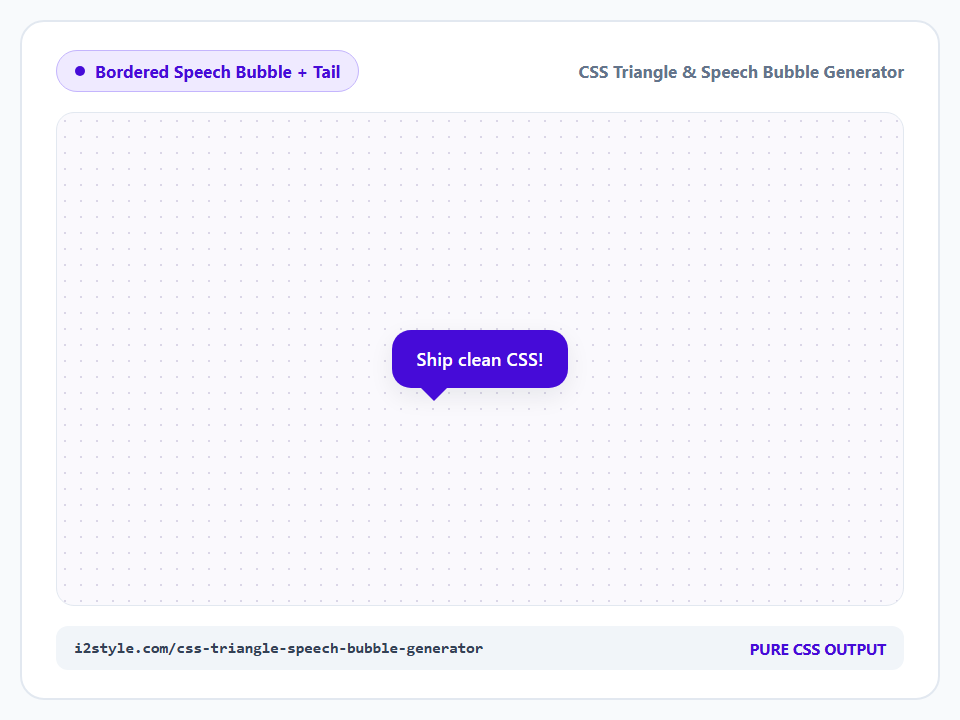
Outlined callouts stack a slightly larger ::before border triangle behind an inner ::after fill triangle shifted 1px inward so the border wraps continuously around the tail.
Copy Vanilla CSS, HTML, :root variables, or Tailwind utility classes.
Ready to use CSS Triangle & Speech Bubble Generator?
Open CSS Triangle & Speech Bubble Generator in your browser—100% private on your device with zero sign-up and copy-ready CSS, HTML, :root tokens, and Tailwind code. Related CSS studios: CSS Tooltip Generator, CSS Clip-Path Generator, CSS Ribbon Generator.
CSS Triangle & Speech Bubble Generator FAQs
Practical frontend details for accessible, cross-browser CSS output.
Can I add a drop shadow that follows both the bubble and its tail?
Apply filter: drop-shadow(0 6px 14px rgba(15,23,42,0.12)) on the bubble—unlike box-shadow, drop-shadow() contours smoothly around ::before and ::after tails!
How do I make an equilateral CSS triangle?
Set height = width × 0.866 (sin(60°)), for example width: 68px (34px left/right transparent borders) and 59px colored bottom border.
Should decorative CSS triangles include aria-hidden?
Yes—standalone geometric triangles include aria-hidden="true" so screen readers skip them.