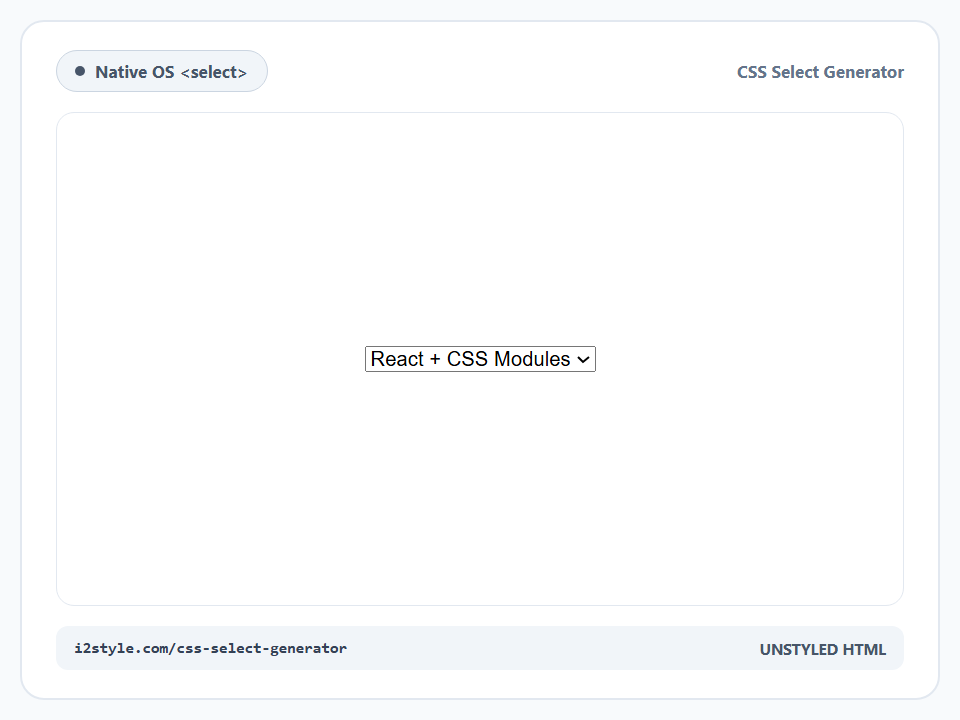
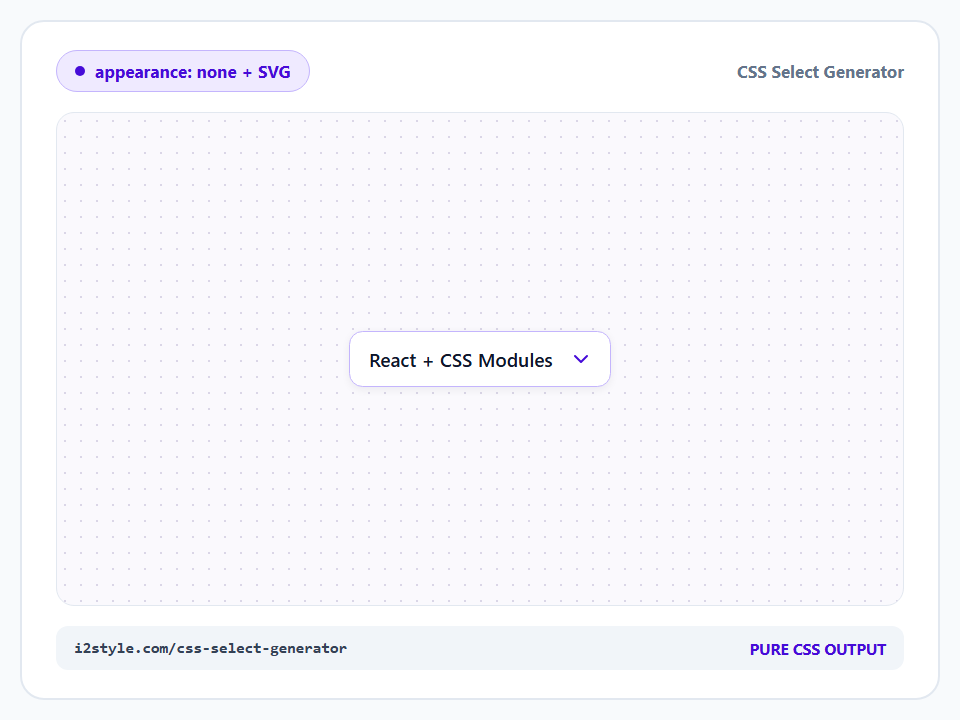

Start from a clean native select preset
Open CSS Select Generator and test real native <select> dropdowns across Outlined, Filled, Pill Capsule, Glass, and Dark collections.
Click Customize on your favorite preset to load it into the studio editor.
Configure embedded SVG chevron and padding
In Text, switch Custom arrow style between Single chevron, Shadcn-style Up/down listbox, Solid caret, or Circled chevron.
Adjust Chevron icon color, Border color, and Corner radius in Fill and Shape; right-side padding automatically reserves room for the icon.
Native <select> triggers iOS and Android native wheel/sheet pickers and built-in keyboard typeahead with 0 KB of JavaScript.
Always keep right padding at least 26px wider than left padding so long labels never collide with the background-image arrow.
Verify focus rings and copy production CSS
Toggle Focus in Inspect state to preview the outer focus-visible halo, and test Dark canvas backdrop for dark-surface selects.
Copy the generated CSS (which includes explicit <option> foreground/background rules so Windows popup menus stay readable) or download the .css file.
Ready to use CSS Select Generator?
Open CSS Select Generator in your browser—100% private on your device with zero sign-up and copy-ready CSS, HTML, :root tokens, and Tailwind code. Related CSS studios: CSS Input Generator, CSS Checkbox & Toggle Generator, UI Style Kit Builder & Combiner.
CSS Select Generator FAQs
Practical frontend details for accessible, cross-browser CSS output.
Why do <option> menus turn white-on-white in dark mode on Windows?
Browsers style popup <option> lists partially from parent color; setting explicit dark ink on white background for select option prevents unreadable text.
Does appearance: none work in Safari, Chrome, Edge, and Firefox?
Yes—including both appearance: none and -webkit-appearance: none normalizes select styling across all modern engines.
How is the SVG arrow colored without external files?
The studio URL-encodes the stroke/fill hex directly inside an inline data:image/svg+xml background-image.